
Operations and next steps
How should Instagram and social campaigns connect to Shopify?
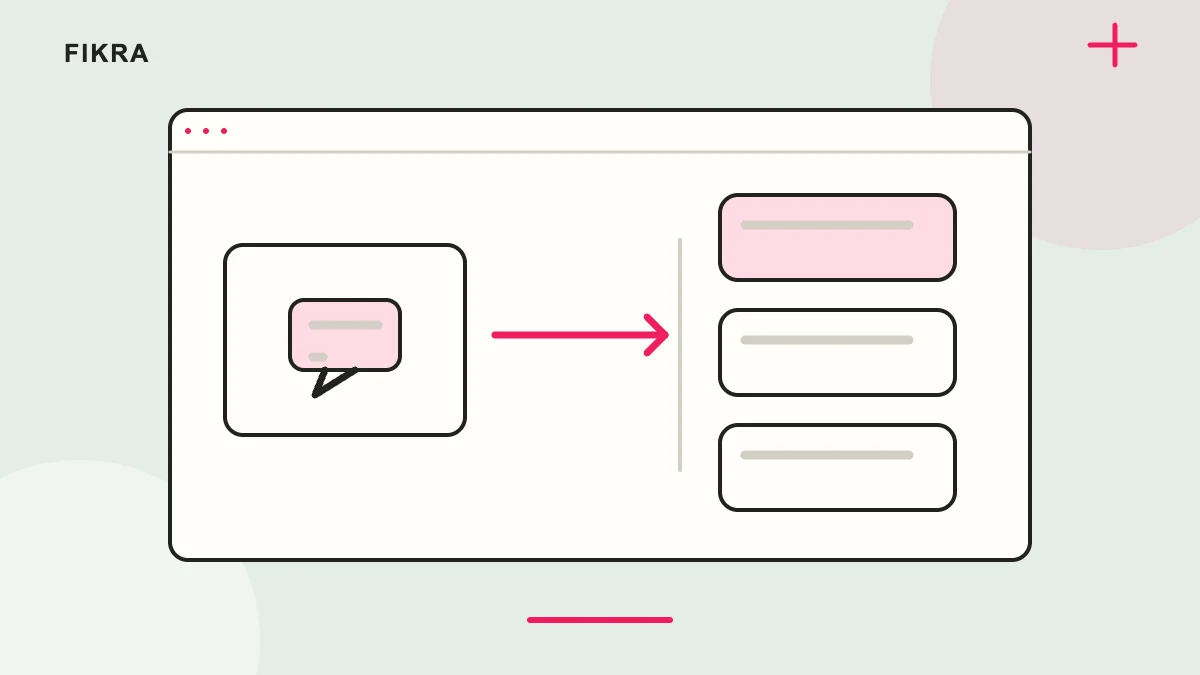
Make the next step match the post or advert. Sending someone to a relevant product is often more useful than asking them to search again.
Open the exact link on a phone
Check the item, selected options, availability and offer conditions from the campaign route. If using a native social channel, confirm its current approval and country requirements; connecting accounts is not approval by itself. Keep catalogue ownership clear and use consistent campaign tags. Compare fulfilled or paid outcomes with clicks. A large number of people opening the store does not explain whether they reached the promised item or could actually buy it.
Choose the destination deliberately
Match the advert or post to a product, collection or focused landing page. Keep product identity, availability and offer conditions consistent. Do not make customers search the whole store again after a specific recommendation.
Verify channel requirements
Review the current platform and Shopify requirements for the exact channel and country. Connecting an account does not guarantee approval or product eligibility. Keep business access and responsibility for catalogue synchronisation clear.
Measure without losing context
Use consistent campaign tags and review the route on mobile. Compare meaningful order outcomes rather than clicks alone. Keep personal information out of tracking URLs and avoid duplicate measurement scripts.
Keep the product promise consistent
Open the social link as a customer and check the exact item, availability, price and language. Confirm any channel requirements using current official information for your account and market. Regardless of the integration, customers need a reliable destination that continues the offer they just saw.
Official references
Request a free call
Considering Shopify for your business? Request a free call to discuss your products and priorities. We agree the scope before work starts.
Request a free call