
Business websites
Do you need a booking website or an online store?
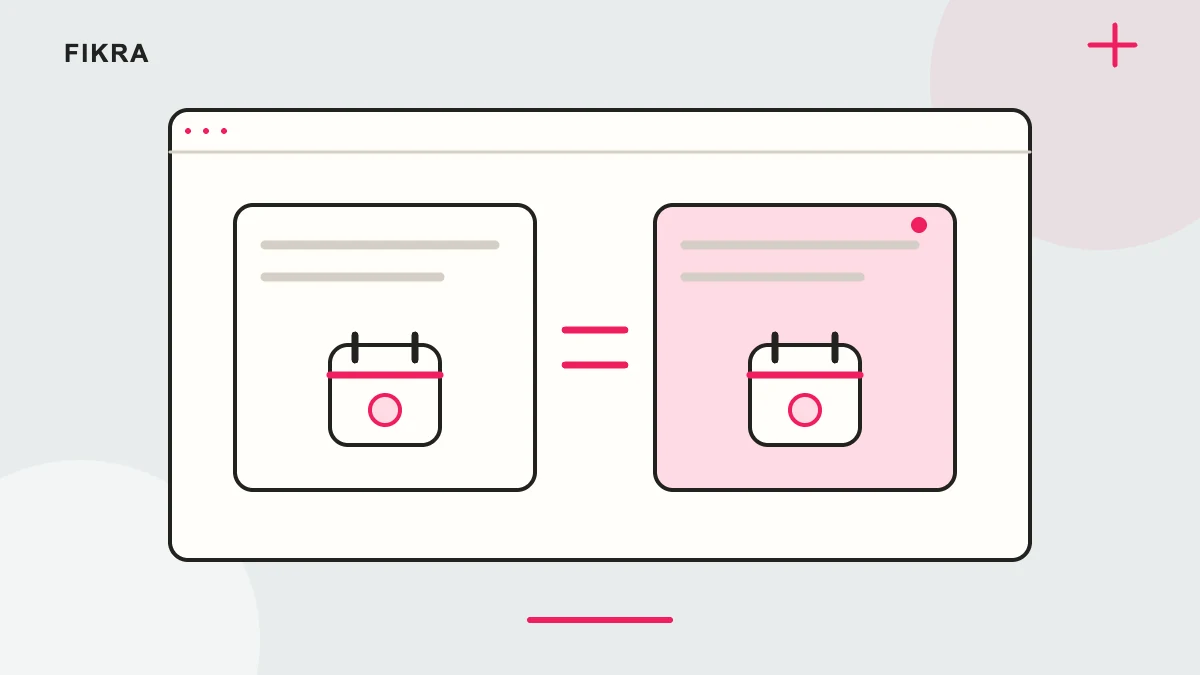
Use the system that manages the commitment you are making. A product payment and a reserved appointment are not the same event.
Check what happens after payment or submission
Suppose a customer pays for a consultation. Is a provider available, and has a time actually been reserved? Define duration, resources, timezone and change rules before building the page. If the form only requests a callback, say that instead of announcing a confirmed appointment. Test notifications and rescheduling with the real tool. You can sell products and appointments together, provided each route has a clear operating process.
Map the appointment lifecycle
Identify who provides the service, available times, duration and how changes are handled. Decide whether payment happens before, during or after the appointment. Confirm timezone behaviour for customers outside Qatar.
Separate calendar from enquiry
An enquiry asks for follow-up; a booking reserves a confirmed time under the scheduling system’s rules. Make confirmation messages accurate. Avoid describing a form submission as an appointment when nobody has reserved the slot.
Check integrations carefully
Test notifications, capacity and the intended payment route in the actual tool. Shopify can sell service products, but scheduling may need an appropriate integration. Review availability and cancellation handling before choosing the storefront platform.
Define what a confirmed booking means
Decide whether customers choose a time immediately or submit a request your team accepts later. Those are different promises. Write the confirmation message first, then check whether staff availability, payment and cancellation handling support it. A form submission should not silently become an appointment.
Official references
Request a free call
Considering Shopify for your business? Request a free call to discuss your products and priorities. We agree the scope before work starts.
Request a free call