
Operations and next steps
What should Shopify order emails and notifications explain?
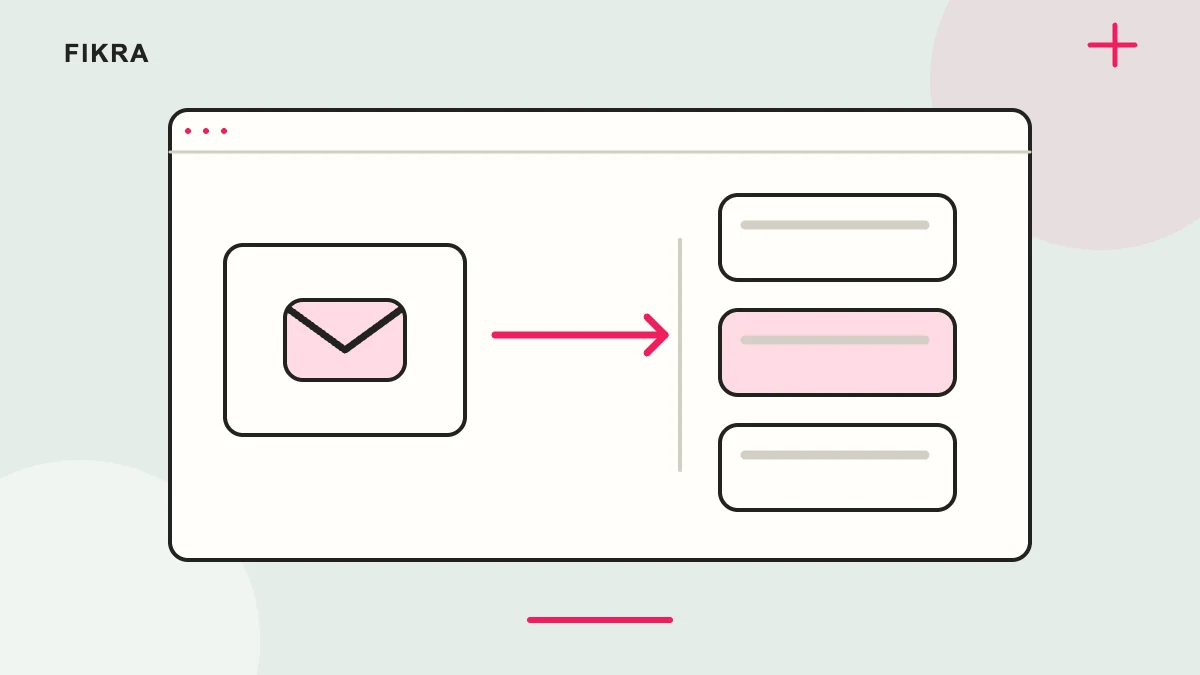
Match each message to the order’s actual stage. Received, paid, ready for pickup and dispatched mean different things.
Read a message against the order record
For COD or a pre-order, check that the wording does not imply collected payment or immediate dispatch. Review options, totals, contact links and the relevant language. Then test actual delivery of the message; saving a template proves only that it was saved. Check whether an app sends another notification and remove confusing duplicates. Assign responsibility for sender configuration and failures so the customer is not left with contradictory or missing instructions.
Distinguish order stages
An order received, a payment collected and a parcel dispatched are different events. Keep wording accurate for manual payments, pre-orders and pickup. Do not label a confirmation as delivered when it only records an earlier stage.
Review content and language
Check product options, amounts, contact details and relevant instructions. Preview Arabic and English messages where supported. Remove obsolete links and unsupported promises left in copied templates.
Verify delivery and ownership
Use an appropriate authorised test to confirm the right recipient receives the message. Review sender setup and any external app that sends additional emails. Assign responsibility for monitoring failures and avoid duplicate notifications from overlapping tools.
Read every message in order
Follow a sample order and collect the confirmation, payment and delivery messages your setup sends. Remove conflicting wording and check which system owns each message. Staff and customers should understand whether an order was received, paid, dispatched or ready to collect without guessing from a generic subject line.
Official references
Request a free call
Considering Shopify for your business? Request a free call to discuss your products and priorities. We agree the scope before work starts.
Request a free call