
Planning your store
How long does it take to build a Shopify store?
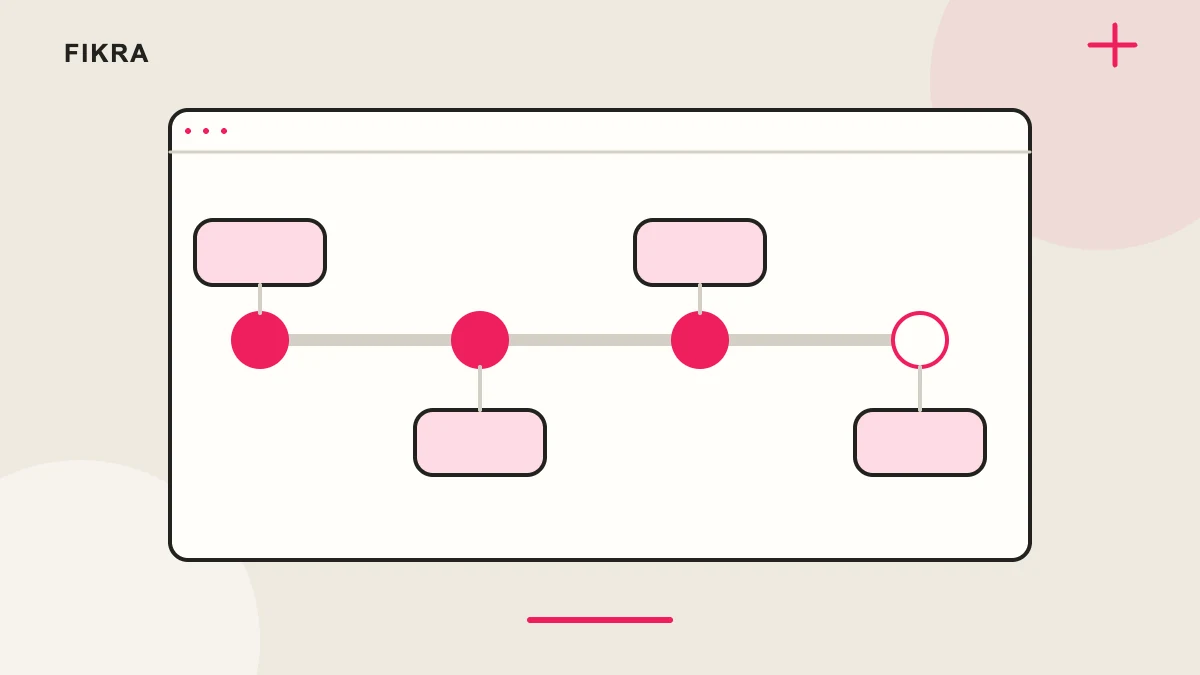
The build is often waiting on content or decisions, not code. A useful launch date accounts for both.
Where the schedule usually gets stuck
Before agreeing a date, ask who will supply the final product sheet and who can approve changes. If a size chart arrives after products are entered, that work may need revisiting. Keep a launch list and a later-improvements list: adding a new idea midway should come with a clear effect on the schedule. The final review also needs time to correct problems found in payment, shipping or the second language.
What makes a milestone ready to approve?
Swipe across the table to see all columns.
| Stage | Useful evidence |
|---|---|
| Content ready | The launch product list, approved media and essential facts are available. |
| Design ready | The owner has reviewed representative pages with real content, not only placeholders. |
| Store ready | Options, delivery and payment have been checked on the intended customer route. |
| Handover ready | The team understands routine updates, support ownership and any remaining exceptions. |
Identify the longest dependencies
Photography, product data, translations and payment-provider verification can hold up a store even when the theme is ready. Write down who owns each dependency and when it will be available. Shopify’s launch checklist covers configuration beyond the visual storefront, so allow time for those tasks too.
Plan review stages
Use milestones for brief approval, design review, development preview and launch readiness. Nominate one person to combine feedback so contradictory requests do not create repeated revisions. Freeze the agreed launch scope and keep later ideas in a separate list with their own estimates.
Leave time for acceptance
Review a representative product, a sold-out variant, a delivery address and the chosen payment flow. Check both languages if the store is bilingual. A theme preview is not proof that orders and fulfilment settings work. Reserve a correction window before announcing the public launch to customers.
Put approvals on the schedule
A realistic schedule names the inputs, their owners and the decisions needed before the next step. Ask what can proceed while payment approval or photography is pending. Keep launch dependent on a working buying journey, rather than an arbitrary date that assumes every external dependency is finished.
Official references
Request a free call
Considering Shopify for your business? Request a free call to discuss your products and priorities. We agree the scope before work starts.
Request a free call